007 First Light System Requirements: PC Specs, Settings, and Upgrade Notes
Use this source-first PC guide to check whether your computer is ready for 007 First Light, what to watch on Steam, and how to plan settings before patches and benchmark data settle.
Updated June 17, 2026. This wiki keeps official listings separate from estimates and will revise the table when IO Interactive or PC stores publish new requirement details.
Quick answer
Direct Answer
Can your PC run 007 First Light?
The short answer is that 007 First Light should be checked against the PC store listing first, then tested against real launch performance once driver updates and patches are available. The game is a modern third-person action-adventure with stealth, driving, cinematic set pieces, dense environments, and spy gadgets, so the safest planning assumption is that it will behave more like a current premium PC release than a lightweight legacy title.
For most players, the biggest practical questions are not just CPU and GPU names. You should also check VRAM, SSD space, Windows version, graphics driver age, shader compilation behavior, controller support, and whether your target is 1080p, 1440p, ultrawide, or handheld play. A system that technically launches the game may still need lower shadows, reflections, crowd detail, texture quality, or upscaling to feel smooth.
This page does not host downloads, cracks, benchmark tools, or unofficial requirement files. It is an editorial guide that points to official sources and explains how to read the requirement table. Keep the homepage for broad 007 First Light wiki coverage; use this page when the search intent is specifically PC requirements, specs, performance settings, or whether the game is worth buying for your hardware.
007 First Light PC requirements checklist
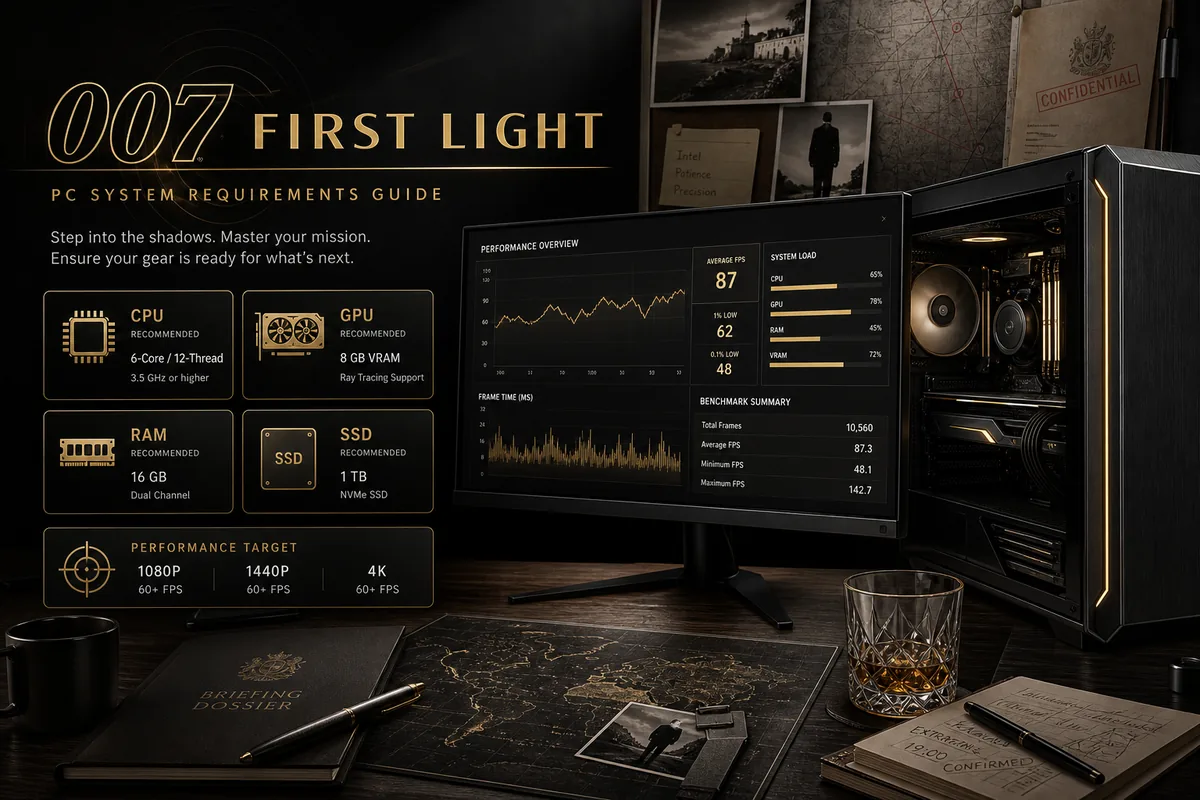
Steam now lists concrete minimum PC requirements, while IOI has also published PC-spec and NVIDIA feature news. Use the official minimum values below, then treat recommended and path-tracing targets as store/news-page checks before buying.
| Component | Minimum target | Recommended target | Why it matters |
|---|---|---|---|
| OS | Windows 10/11 64-bit | Current Windows 11 build with updates | The Steam listing requires a 64-bit processor and operating system. |
| CPU | Intel Core i5-9500 or AMD Ryzen 5 3500 | Intel Core i5-13500 or AMD Ryzen 5 7600 class when targeting higher presets | Steam snippets show the minimum CPU class; newer store snippets also point to stronger recommended planning. |
| GPU | NVIDIA GeForce GTX 1660 or AMD RX 5700 class | RTX-class GPU if you plan to test ray tracing, path tracing, DLSS, or 1440p | IOI's PC feature news mentions path tracing and DLSS, so GPU feature support matters beyond raw launch ability. |
| Memory | 16 GB RAM | 16 GB or more with background apps closed | The Steam listing shows 16 GB RAM, and modern launchers or capture tools can add pressure. |
| Storage | Use the Steam store value and keep patch space free | SSD with additional room for patches and shader cache | Launch patches and shader cache are easier to manage on fast storage. |
| Display target | 1080p with tuned presets | 1080p high, 1440p tuned, or feature testing only after verifying GPU support | Requirements only make sense when paired with resolution, frame-rate, and feature expectations. |
When official requirements change, update only this page and its sitemap lastmod rather than rewriting the broader wiki homepage.
Settings to check before lowering everything
If 007 First Light launches but feels uneven, change settings in the order below. This keeps visual quality readable while targeting the performance bottleneck first.
Start with resolution and upscaling
Choose your native resolution, then test quality upscaling before cutting every visual option. Upscaling often gives the largest frame-rate improvement with the least immediate loss.
Reduce shadows, reflections, and volumetrics next
Spy interiors, wet roads, cars, and cinematic lighting can make these settings expensive. Lower them one step at a time and retest the same mission area.
Match textures to VRAM
If the game stutters after several minutes or during camera turns, texture memory may be the issue. Lower texture quality before blaming the CPU.
Keep drivers and shader cache fresh
Install current GPU drivers, restart after major updates, and allow shader compilation to finish before judging final performance.
Use a repeatable benchmark route
Test the same stealth room, driving route, and combat encounter after every change so you do not compare different workloads.
Steam Deck, ROG Ally, Legion Go, and handheld PC notes
Handheld PCs need a separate expectation from desktop requirements. Even if 007 First Light launches on Steam Deck or another handheld, the practical question is whether it can hold a comfortable frame rate with readable UI, stable input prompts, and acceptable battery drain.
Check Steam Deck verification, Proton reports, and official PC store wording before buying only for handheld play. If the game is not verified, assume you may need lower resolution, aggressive upscaling, reduced shadows, a frame-rate cap, and occasional patch waiting. The same logic applies to Windows handhelds: their stronger compatibility does not remove the thermal and battery limits.
For travel play, prioritize consistent frame pacing over chasing the highest preset. A locked lower frame rate often feels better in stealth and driving sections than an unlocked frame rate that swings during cutscenes or crowded areas.
Launch-day PC troubleshooting checklist
Game will not start
Verify files, install required runtimes, update GPU drivers, and remove overlays before assuming your hardware is unsupported.
Stutter after entering a mission
Let shader compilation finish, move the game to an SSD, and lower texture or streaming settings if VRAM use is high.
Low frame rate in driving scenes
Lower reflections, motion blur, traffic or crowd density when available, and test with a frame-rate cap.
Poor image quality after upscaling
Raise the upscaling quality mode, sharpen carefully, and avoid combining low render scale with high motion blur.
Official sources to check before buying
Use official sources for final requirements, store availability, patch notes, and platform wording. Third-party spec tools can be useful, but they should not override the publisher or PC store listing.
007 First Light PC requirements FAQ
Are the 007 First Light system requirements final?
Use the Steam page and IO Interactive updates as final only when they show current requirement wording. This guide separates official values from planning advice so it can be updated cleanly.
Is 007 First Light on PC?
Yes, 007 First Light has an official PC store presence through Steam. Check the store page for the latest purchase, language, and requirement details.
Do I need an SSD?
If the official listing requires or recommends an SSD, follow that. Even when a hard drive technically works, an SSD is the safer choice for modern game streaming, patching, and shader cache behavior.
Will the game run on Steam Deck?
Wait for Steam Deck verification, Proton reports, and launch testing before treating handheld play as guaranteed. Plan for lower settings and a frame-rate cap.
Should I upgrade CPU or GPU first?
For most players, upgrade the GPU first if you are below the recommended graphics tier or short on VRAM. Upgrade the CPU first only if you already have adequate graphics power but see CPU-bound stutter.
What are the minimum PC specs shown for 007 First Light?
Steam snippets list Windows 10/11 64-bit, Intel Core i5-9500 or AMD Ryzen 5 3500, 16 GB RAM, and a GTX 1660 or RX 5700 class GPU as minimum-class information.
Does 007 First Light support DLSS or path tracing on PC?
IO Interactive has published PC feature news mentioning path tracing and DLSS 4.5. Treat those as higher-end feature checks, not as the baseline minimum requirement.